


Nothing’s more frustrating than buffering videos, laggy Zoom calls, or endlessly loading web pages. Before you blame your internet provider, remember that slow internet doesn’t always mean a weak plan—it could be your Wi-Fi setup or it could even be your device acting up. If your laptop itself feels sluggish, check out our guide on laptop running slow fixes. You can fix slow Wi-Fi with some easy steps at home. In this guide, you’ll learn how to fix slow Wi-Fi with simple, practical steps.
Why Your Wi-Fi Is Slow?
Your Wi-Fi speed could be held back by several factors. Slow Wi-Fi can come from signal interference, poor router placement, or too many devices fighting for bandwidth. Outdated hardware, ISP throttling, or even hidden background apps can drag down performance. Think of it like traffic congestion on a highway—more cars mean slower movement, just like network congestion affects your Wi-Fi.
Get Faster Wi-Fi: Easy Optimization Tips
Start with basics: restart modem / router, run a quick speed test, and see improvements. Move the router to a central spot and switch between dual band / 2.4 GHz / 5 GHz for better coverage. For a deeper dive, check this CNET guide on improving Wi-Fi signal. Don’t forget to disconnect unused devices and apps running in the background. Always update firmware and drivers. If you’re gaming or streaming, use Ethernet for the smoothest experience.
Best Router Setup Tips for Faster Wi-Fi
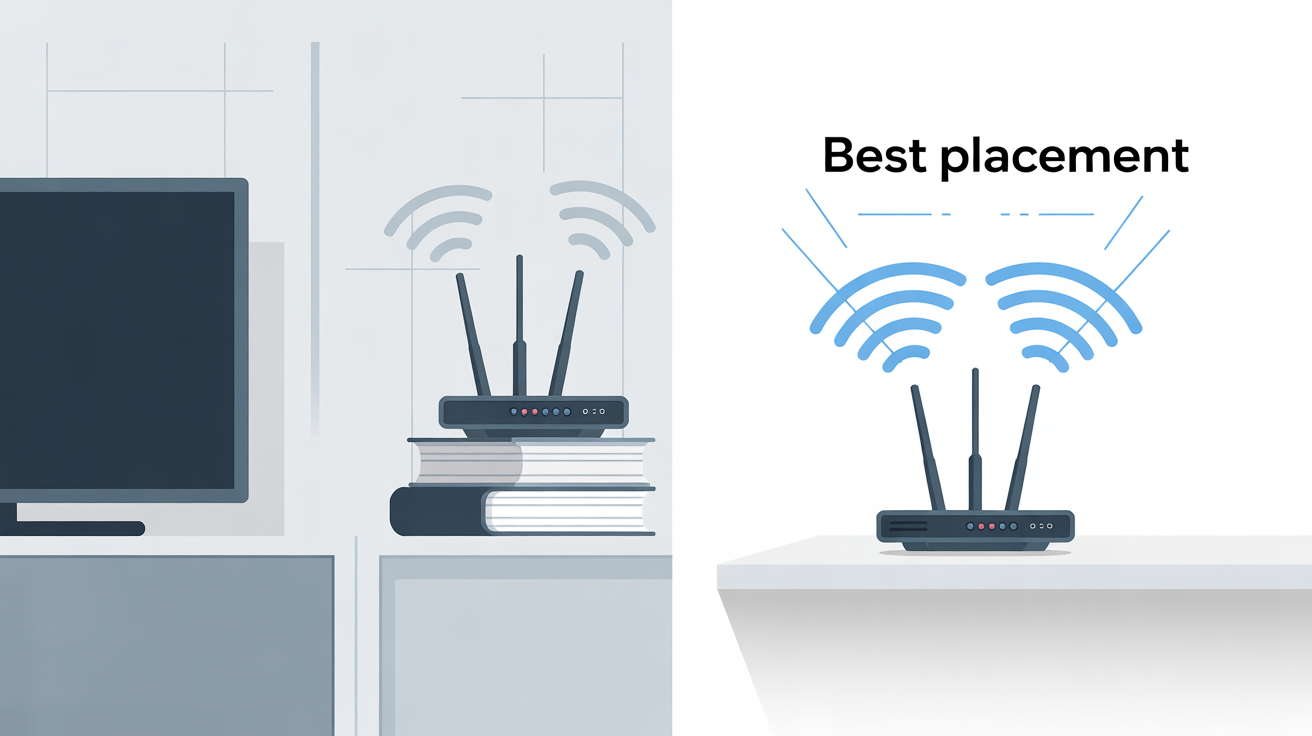
Keep your router away from walls, microwaves, or cordless phones to reduce signal interference. Adjust antennas for better coverage, change wi-fi channels to cut down on troubleshooting Wi-Fi issues, and enable Quality of Service (QoS) for smoother streaming. Don’t forget network security—a strong password prevents unauthorized users from consuming your bandwidth.
Control Bandwidth to Speed up Your Wi-Fi
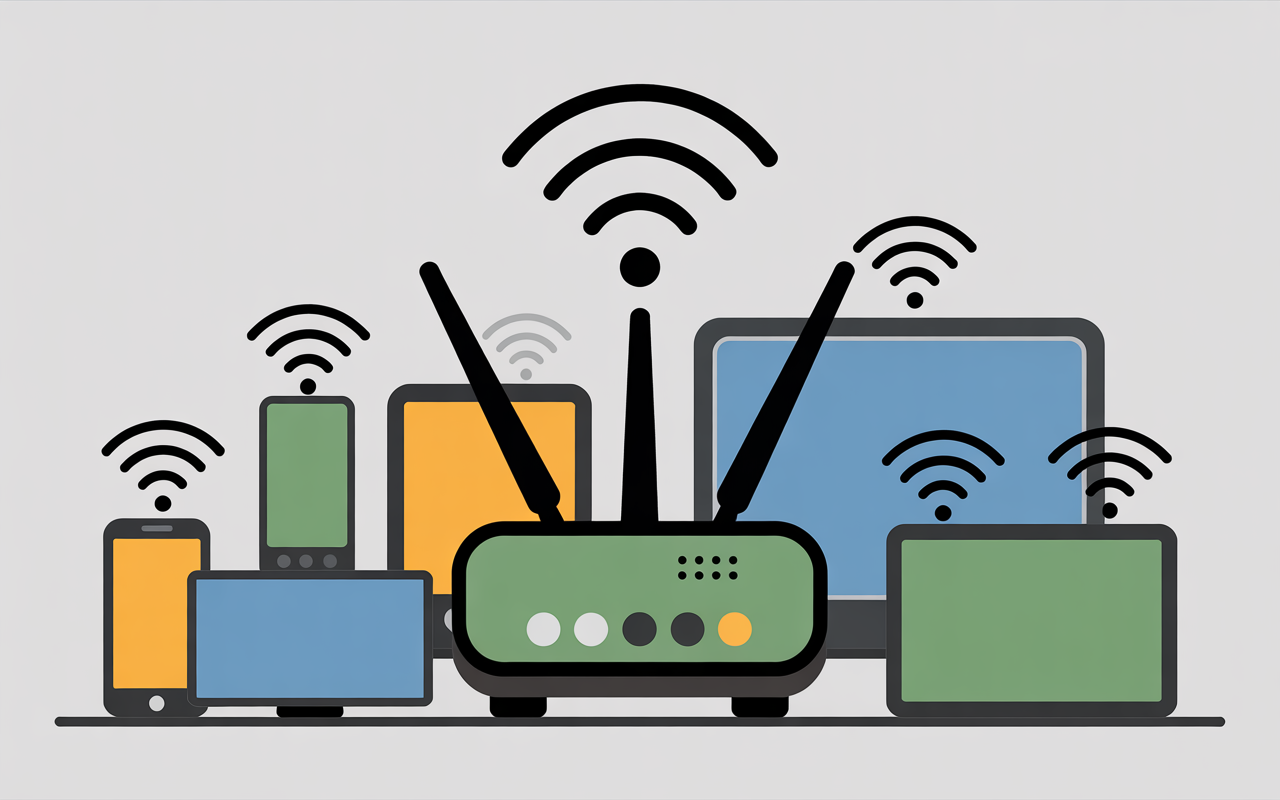
Too many connected devices can overload your network. Disconnect unused phones or smart devices, close unnecessary background apps, and schedule heavy downloads during off-peak hours. Older devices with computer Wi-Fi speed slow adapters may drag down everyone’s connection.
If you’re considering an upgrade, check our picks for budget smartphones with strong performance. Managing bandwidth smartly ensures you get the most out of your plan.
Knowing When It’s Time for a Wi-Fi Upgrade
If you’ve tried all the optimization tips and still experience a computer Wi-Fi speed slow, it might be time for an upgrade. First, test a wired speed test to see if your ISP throttling is the issue. If your internet speed remains sluggish, consider a new router—upgrade router to Wi-Fi 6 or Wi-Fi 7—or try mesh Wi-Fi for dead zones.
If you’ve outgrown your plan, go for an internet plan upgrade. And while you’re at it, make sure your gadgets stay powered with budget-friendly power banks. It will be the best way to boost Wi-Fi and get the full Wi-Fi speed you need. Sometimes, it’s simply time to scale up.
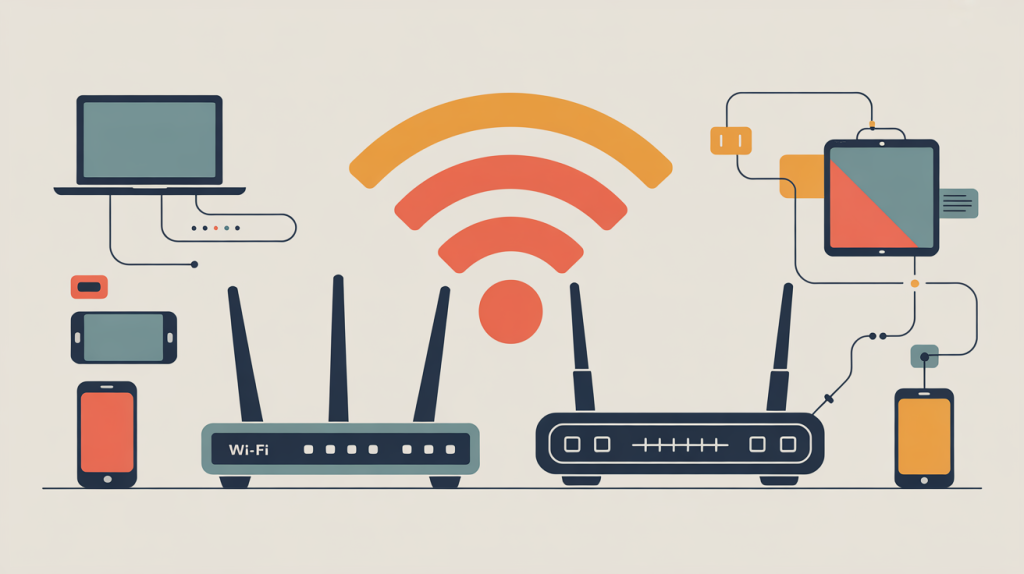
By following these easy Wi-Fi performance tips, you can significantly improve Wi-Fi connection. Remember the three key actions: reboot your equipment, relocate your router for optimal signal, and reconfigure your settings for better performance.
Try these steps and let us know which tip helped improve your Wi-Fi speed most effectively. What download speeds do you find satisfactory? Feel free to share your experience in the comments.
FAQs: How to Fix Slow Wi-Fi
- Why is my Wi-Fi slow even with a fast internet plan?
Your Wi-Fi can be slow due to poor router placement, signal interference, too many connected devices, outdated hardware, or background apps using bandwidth—even if your internet plan is fast.
- Does restarting my router really improve Wi-Fi speed?
Yes. Restarting your router clears temporary glitches, refreshes network connections, and often restores normal Wi-Fi speed, especially if the router has been running for a long time.
- Where should I place my router for the best Wi-Fi signal?Place your router in a central, open location, away from walls, metal objects, microwaves, and cordless phones to ensure stronger and more even Wi-Fi coverage.
- Why is Wi-Fi slow on one device but fast on others?This usually happens due to outdated network drivers, weak Wi-Fi adapters, background apps, or hardware limitations on that specific device.
- When should I upgrade my Wi-Fi router?You should upgrade if your router is more than 4–5 years old, doesn’t support Wi-Fi 6 or Wi-Fi 7, or fails to provide stable speed even after optimization.
