


Do you know if you’re browsing in safe mode or your social media feeds are secretly tracking you? In 2025, roughly 4.8 billion users are sharing their content daily, and every scroll, like, or click may uncover your information. In today’s era of hyper-connectivity, social media safety tools aren’t optional—they’re essential.
That’s why free browser add-ons to stay safe on social media in 2025 are more important than ever. These quiet heroes block trackers, curate feeds, and support safe browsing on platforms like Facebook, Instagram, and Twitter. With one click, these extensions transform your digital environment into a safer, smarter space. You can also explore our list of the top Chrome extensions to learn vocabulary fast in 2025, and make your browsing experience both safer and smarter.
Why Social Media Safety Still Matters in 2025
What is social media safety in 2025? It means recognizing digital threats and actively using phishing protection browser extensions and privacy tools. Cybercriminals now use AI-powered tactics like deepfake videos, spoofed websites, and social engineering attacks. Your behavior, voice, and even moods are at risk of being harvested.
This makes browser security add-ons your first line of digital defense. Whether you’re uploading a post or clicking a story, these tools help you reclaim control of your digital identity.
1. Tracker & Ad Blockers (Your First Line of Defense)
Social media tracker blockers for Chrome and Firefox have become essential due to the rise of AI-driven profiling and third-party data collection. Behind every scroll, advertisers and data firms extract user info silently. Extensions like Privacy Badger, Ghostery, and uBlock Origin Lite are designed to stop that.
Privacy Badger – The Effortless Tracker Blocker
Created by the Electronic Frontier Foundation, Privacy Badger is a top invisible tracker blocking extension that requires zero configuration. It learns which domains track you and automatically blocks them.
Key Benefits:
- Blocks external trackers and cookies automatically
- Prevents fingerprinting and analytics scripts
- Sends “Do Not Track” signals to websites
- Doesn’t slow your browser
- Regularly updated and open-source
Who should use it?
Privacy-conscious users, casual browsers, and non-tech-savvy individuals who want automated protection.
Ghostery – The Real-Time Privacy Visualizer
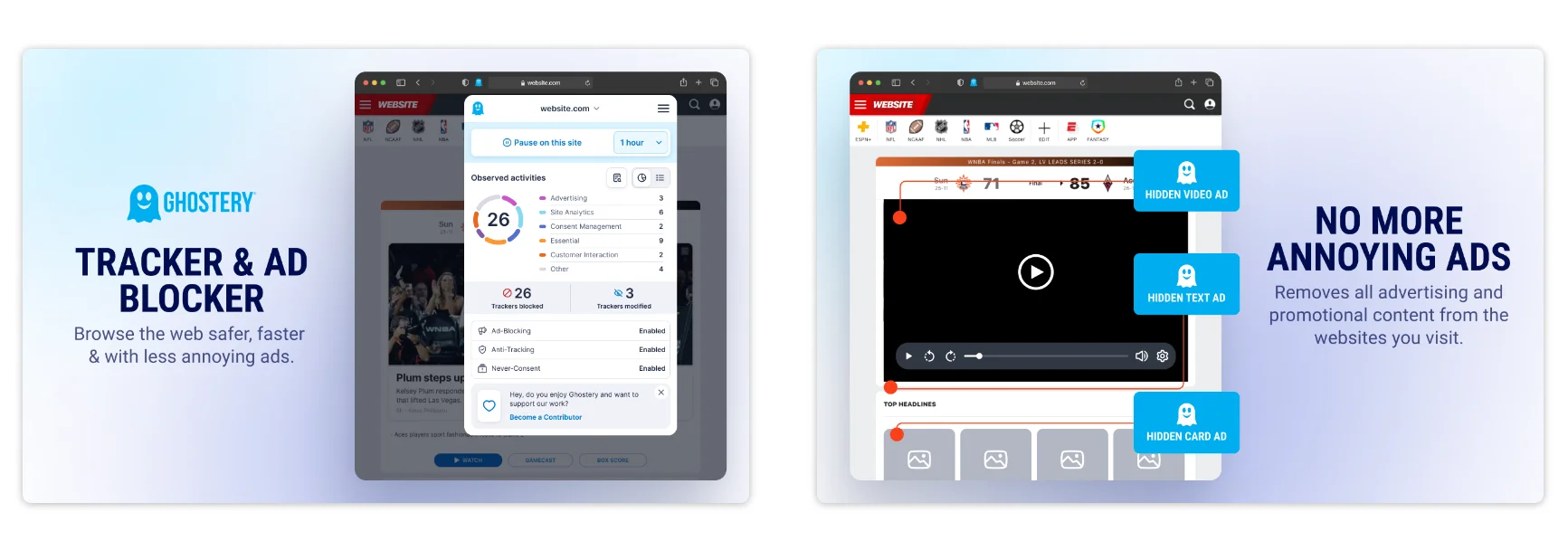
With Ghostery’s real-time tracker visualization, you can view the invisible network of trackers in real time. This lets you see who is watching what you do on social media and decide what to block. This helps you make informed privacy choices. You can permit, deny, or trust each tracker individually, granting you complete control.
Key Benefits:
- See who’s tracking you in real time
- AI-powered tracker detection
- Enhanced loading speeds by blocking scripts
- Granular control over tracker permissions
Who should use it?
Researchers, digital marketers, and users managing multiple accounts who need transparency and control.
AdBlock Plus – The Classic Ad Blocker with Flexibility
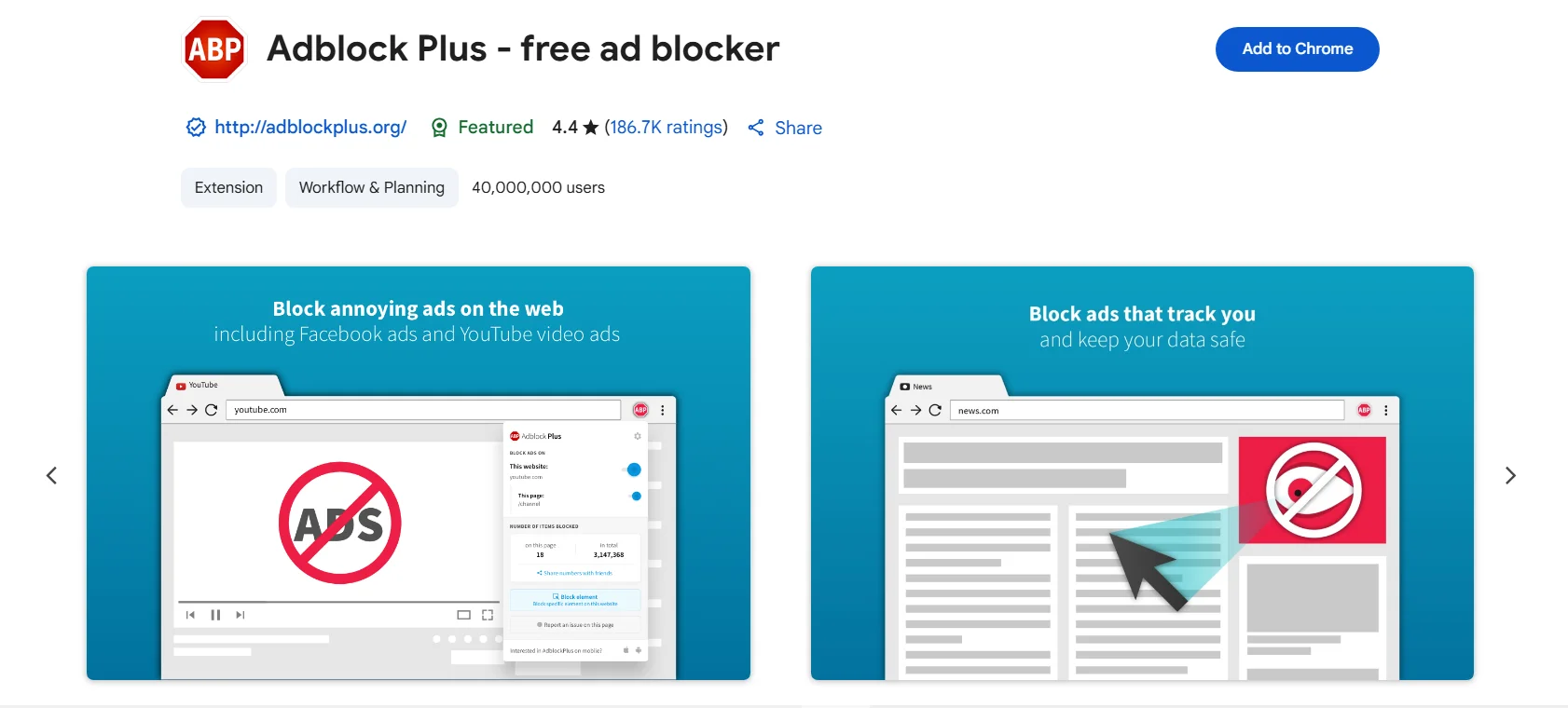
Still one of the best ad blockers for Chrome and Firefox in 2025, Adblock Plus removes popups and banners but allows non-intrusive ads through its Acceptable Ads program.
Key Benefits:
- Blocks YouTube, Facebook, and sidebar ads
- Allows respectful ads to support content creators
- Easy to set up and manage
- Constantly updated filter lists
Who should use it?
Casual users, first-time ad blocker users, and readers who don’t mind minimal, non-disruptive ads.
uBlock Origin Lite – The Lightweight Ad & Tracker Blocker
uBlock Origin Lite is the best lightweight ad blocker for Chrome and Firefox, offering powerful filtering with low memory usage.
Key Benefits:
- Minimal system resource usage
- Blocks malware, trackers, and ads
- Customizable filters
- Smooth integration across major browsers
Who should use it?
Great for users on older devices or anyone wanting speed with strong tracker and ad blocking
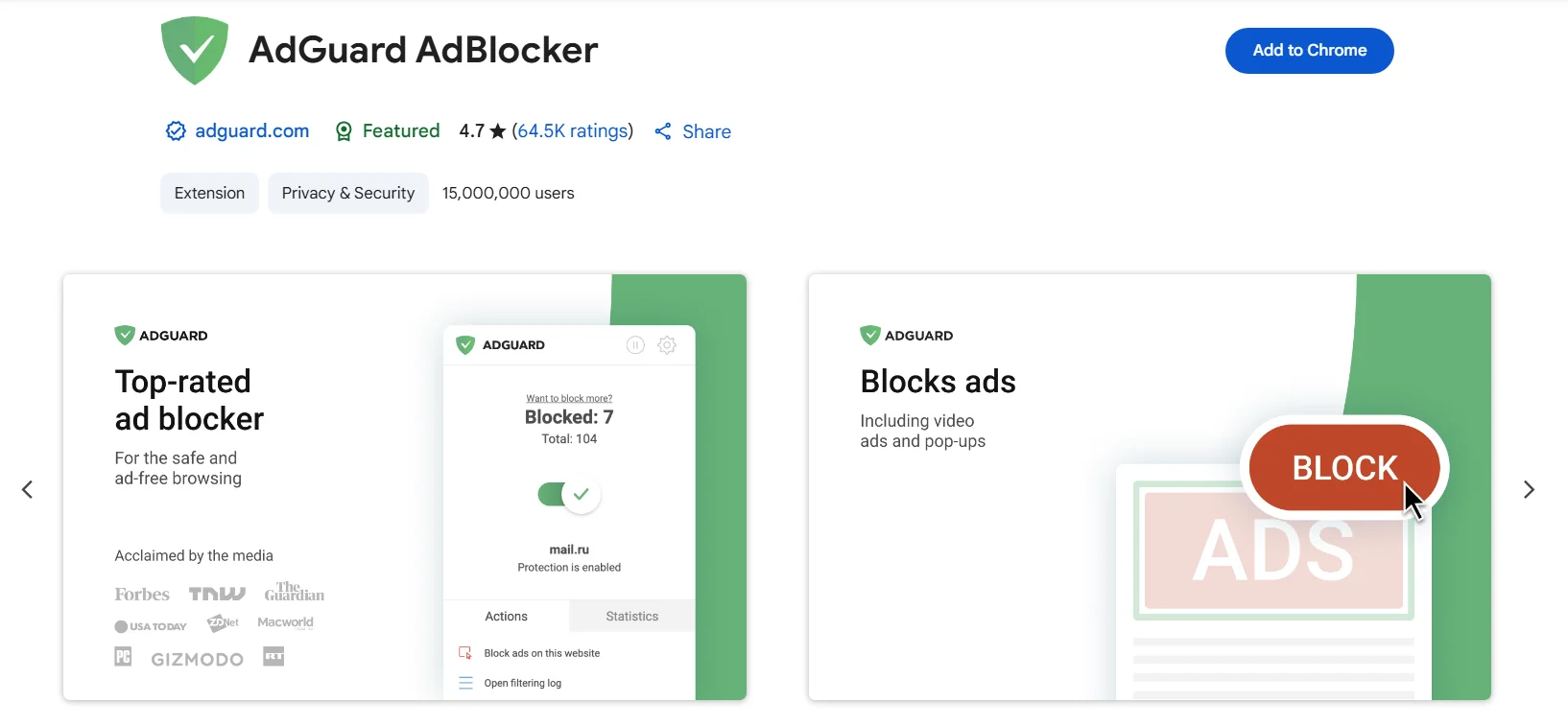
AdGuard Adblocker – The Pop-up & Privacy Enhancer
AdGuard Adblocker is a strong extension that blocks cookie notices, so you no longer have to see annoying GDPR popups. If you’re looking to eliminate annoyances from websites such as newsletter pop-ups, floating toolbars, and autoplay ads, AdGuard is the solution. It’s also a great ad blocker that gets rid of social media buttons like “like” buttons, share icons, and comment boxes that slow websites and compromise privacy. The most recent AdGuard Adblocker review for 2025 indicates that it continues to be a preferred choice for users seeking complete control and an enhanced web experience.
Key Benefits:
- Blocks GDPR prompts and cookie notices
- Removes distracting social media buttons
- Cleans up newsletters and toolbars
- Improves privacy and speed
Who should use it?
Power users, minimalists, and anyone annoyed by clutter and social widgets.
2. Password & Login Protection (Lock Down Your Digital Keys)
Picking the right password manager plugin for your browser is very important. It helps keep your online information safe from stronger and smarter cyberattacks that use AI. Using a password manager for your social media accounts does more than just make things easier. These tools fill in login information automatically, create very strong passwords, keep track of data breaches, and work as secure add-ons for your browser to protect your online identity.
Bitwarden – The Free & Open-Source Security Champion
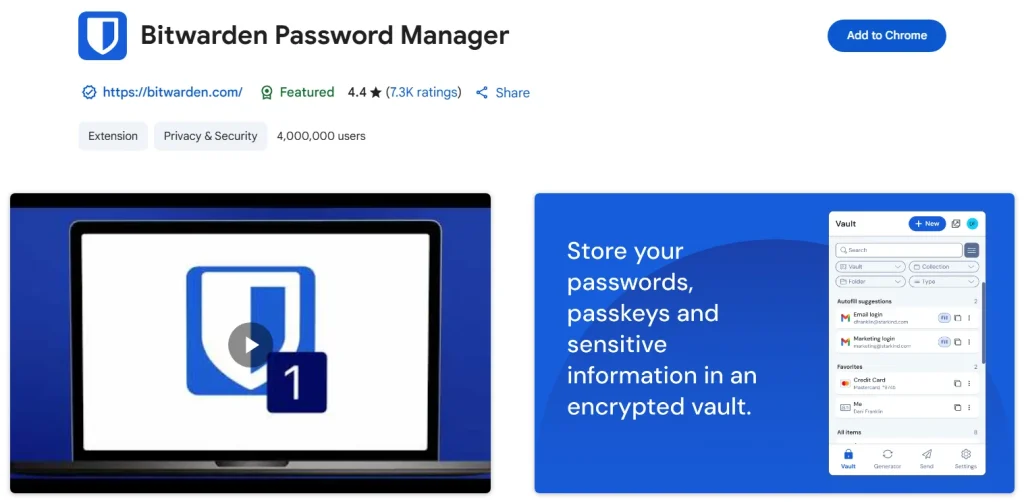
Bitwarden is the best free password manager for social media and general internet use. It gives you top-level security without costing you anything. Because its code is open-source, it’s honest and reliable, and developers and privacy fans really like it.
Key Benefits:
- Unlimited logins on all devices
- AES 256-bit encryption with zero-knowledge
- Open-source and cloud-synced
- Supports 2FA and multiple browsers
Who should use it?
Budget-conscious users, tech-savvy individuals, and small businesses.
RoboForm – The Autofill Expert with Rock-Solid Security
RoboForm is ideal for users juggling multiple accounts. It excels in form autofill across social and shopping platforms.
Key Benefits:
- Auto fills social media and payment forms
- Stores bookmarks and credit cards securely
- Easy sharing across family or team
- One-click browser login toolbar
Who should use it?
Social media managers, busy professionals, and virtual assistants.

Keeper – Military-Grade Vault for Your Credentials
Keeper is a password manager that keeps your information safe with encryption and warns you about dark web threats. It’s a great option for people who need strong data protection like businesses use. It helps protect you from online dangers in real time by watching for databases that have been leaked and passwords that have been stolen.
Key Benefits:
- Alerts for exposed data
- Encrypted record sharing
- Biometric login and emergency access
- Business-level control features
Who should use it?
Influencers, teams handling sensitive data, and anyone serious about online security.
3. Feed Curation & Content Filters (Mental Safety Matters Too)
In today’s online world, it’s very important to manage what you see on social media to stay healthy. The addictive nature of social media affects your mental health more than you think. This unending flow of content frequently resembles digital junk food for your mind, promoting polarizing or emotionally exhausting material that can induce anxiety and diminish your focus. To fix this, you can use social media feed control extensions as a way to eliminate sponsored posts, conceal distressing content, and turn your feed from a source of anxiety into an area for purposeful content consumption.
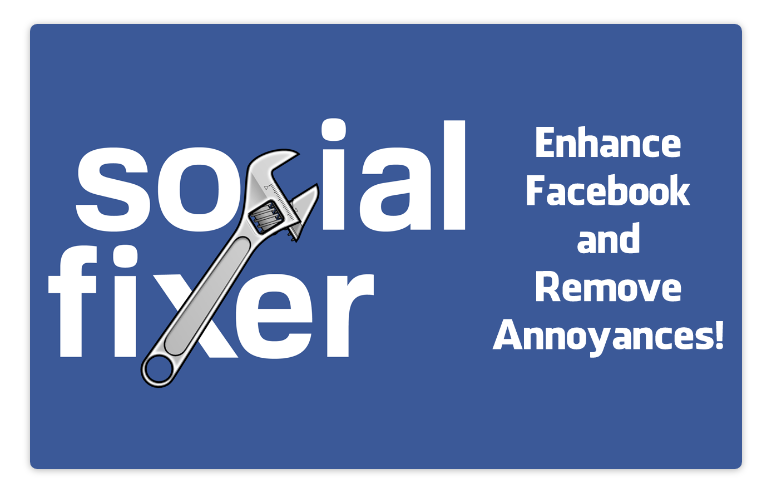
Social Fixer for Facebook – The Ultimate Feed Filter Extension
Social Fixer filters Facebook by removing promoted posts, political content, and game invites.
Key Benefits:
- Filter by keyword, author, or post type
- Clean up Facebook’s interface
- Organize feed into custom tabs
Who should use it?
Anyone wanting a more peaceful, distraction-free Facebook experience.
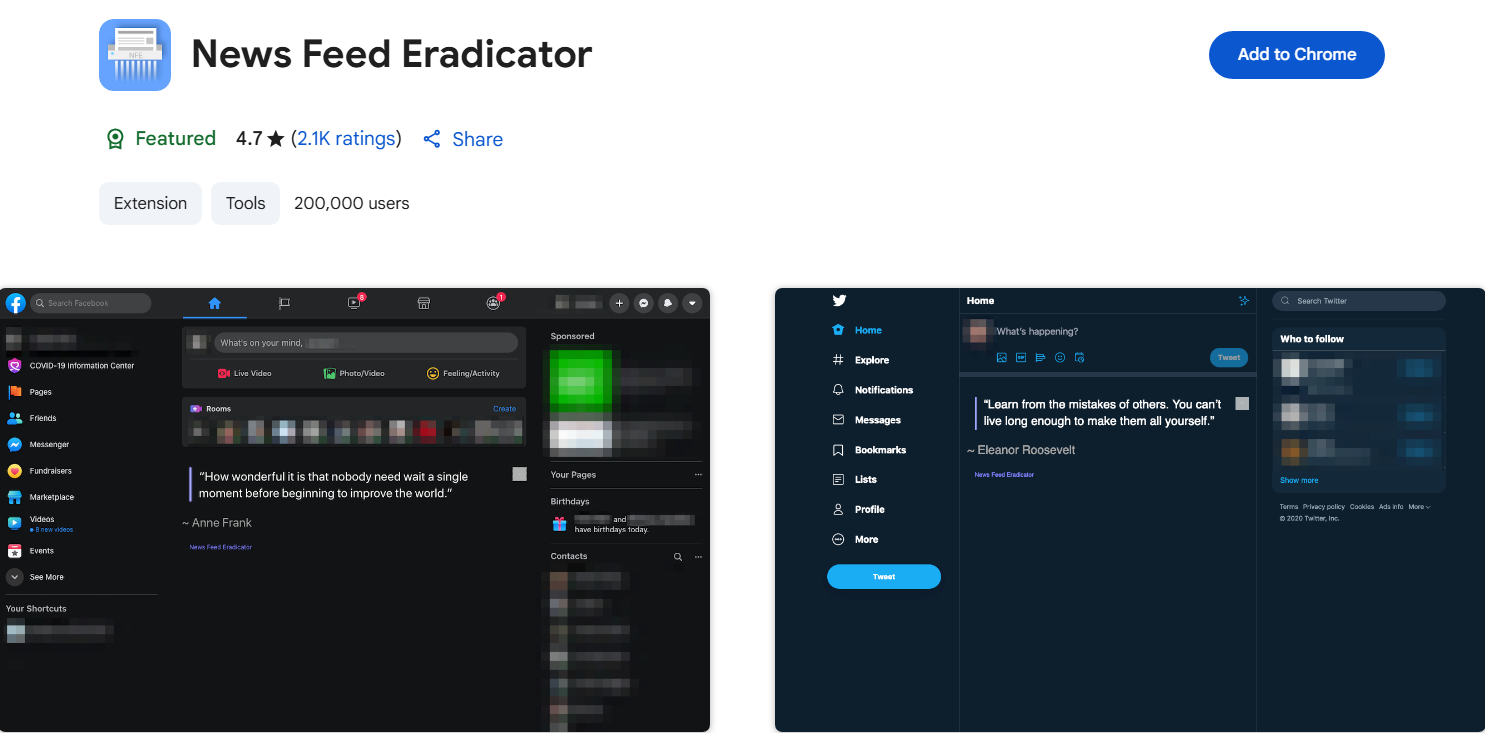
News Feed Eradicator – The Digital Detox Essential
News Feed Eradicator is the ideal solution for minimalists. It operates by eliminating addictive social feeds completely from platforms such as Facebook, Twitter, and LinkedIn. Rather than getting caught in emotional turbulence or popular turmoil, you’ll find uplifting quotes replacing the typical clamor. In 2025, it serves as a strong alternative to News Feed Eradicator for Twitter, particularly for those aiming to enhance productivity.
Key Benefits:
- Removes feed distractions on major platforms
- Works on Facebook, Twitter, LinkedIn
- Improves productivity
Who should use it?
Students, remote workers, and minimalists who value time and mental clarity.
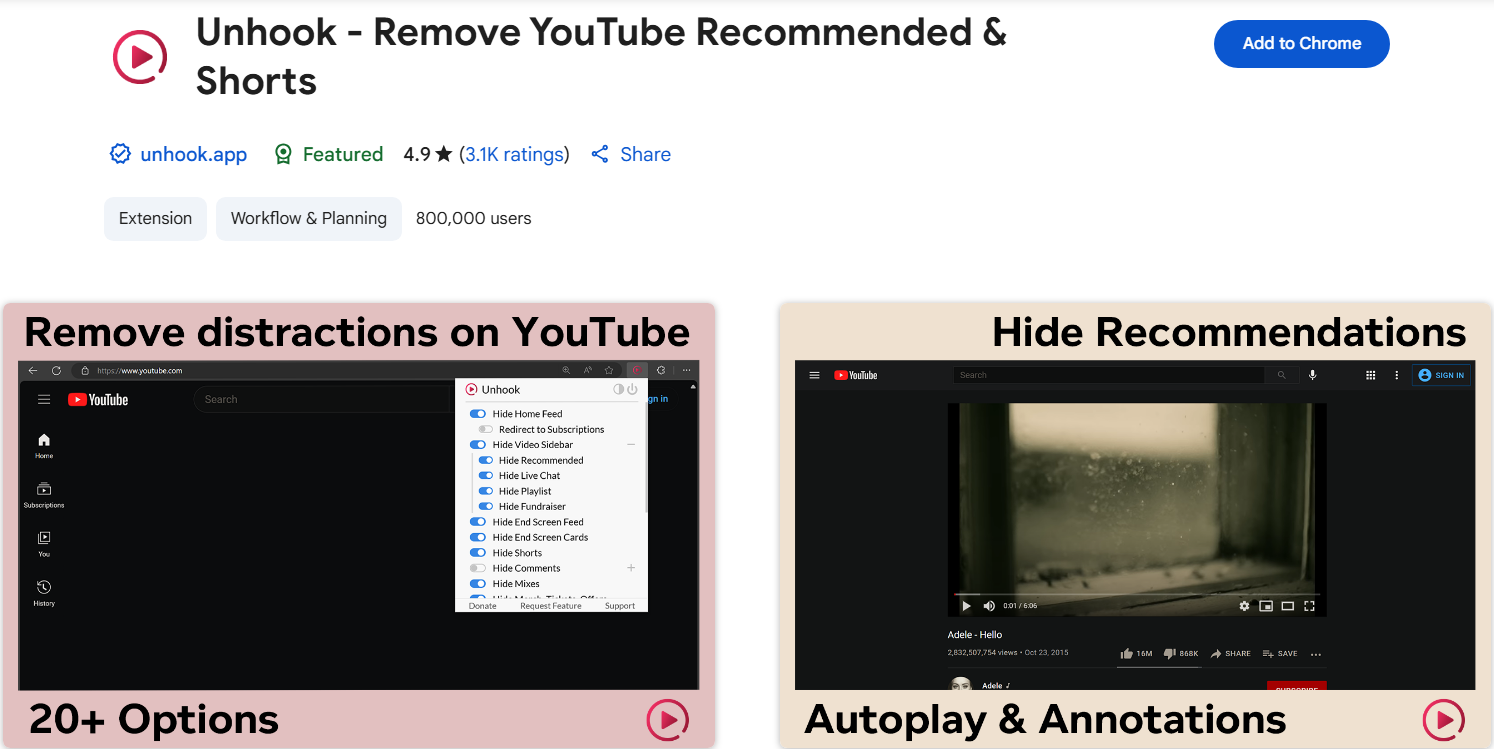
Unhook for YouTube – The Must-Have Recommendation Blocker
This is the best extension that provides the answer if YouTube’s algorithm continually pulls you into endless loops. Unhook is a tool that stops YouTube from suggesting videos, so it can hide related videos, the main page, comments, and automatic playing of videos. If you only want to use YouTube to watch what you’ve decided on—and nothing else—this is one of the best feed cleaner Chrome extensions.
Key Benefits:
- Hides recommendations, comments, auto play
- Allows focused video consumption
- Clean, distraction-free interface
Who should use it?
Learners, creators, and those who want control over their watch habits.
4. Anti-Phishing & Identity Protection – Stay Safe from Digital Deception
Phishing schemes have become highly realistic, using AI to mimic trusted brands and social media. A browser add-on for social media is essential for protection, acting as a key defense against online fraud. These extensions use advanced machine learning and community databases to detect and block phishing attacks instantly. They scan suspicious URLs and alert users about fake sites designed to steal login details, especially through social media messages.
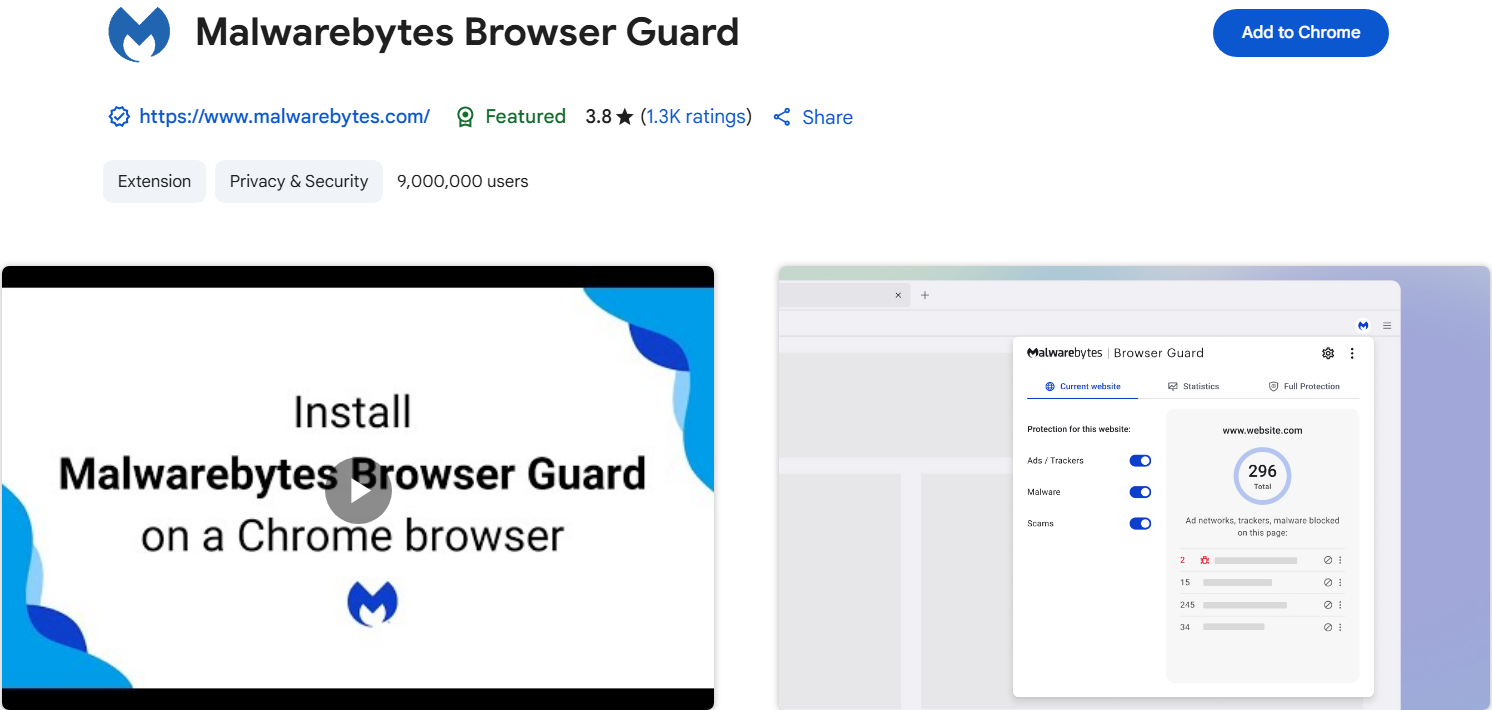
Malwarebytes Browser Guard – The Social Media Phishing Shield
Malwarebytes protects against tech support scams, malware scripts, and phishing redirects.
Key Benefits:
- Blocks phishing links and malware ads
- Speeds up web pages by removing harmful elements
- Real-time warning system for suspicious pages
Who should use it?
Influencers, bloggers, and anyone clicking links in social media messages.
Netcraft Extension – Real-Time Website Spoofing Detector
Netcraft detects fake websites before you submit sensitive data.
Key Benefits:
- Identifies spoofed login pages
- Warns of brand impersonation sites
- Let the users report scams
Who should use it?
Remote workers, students, and users receiving links via DMs.
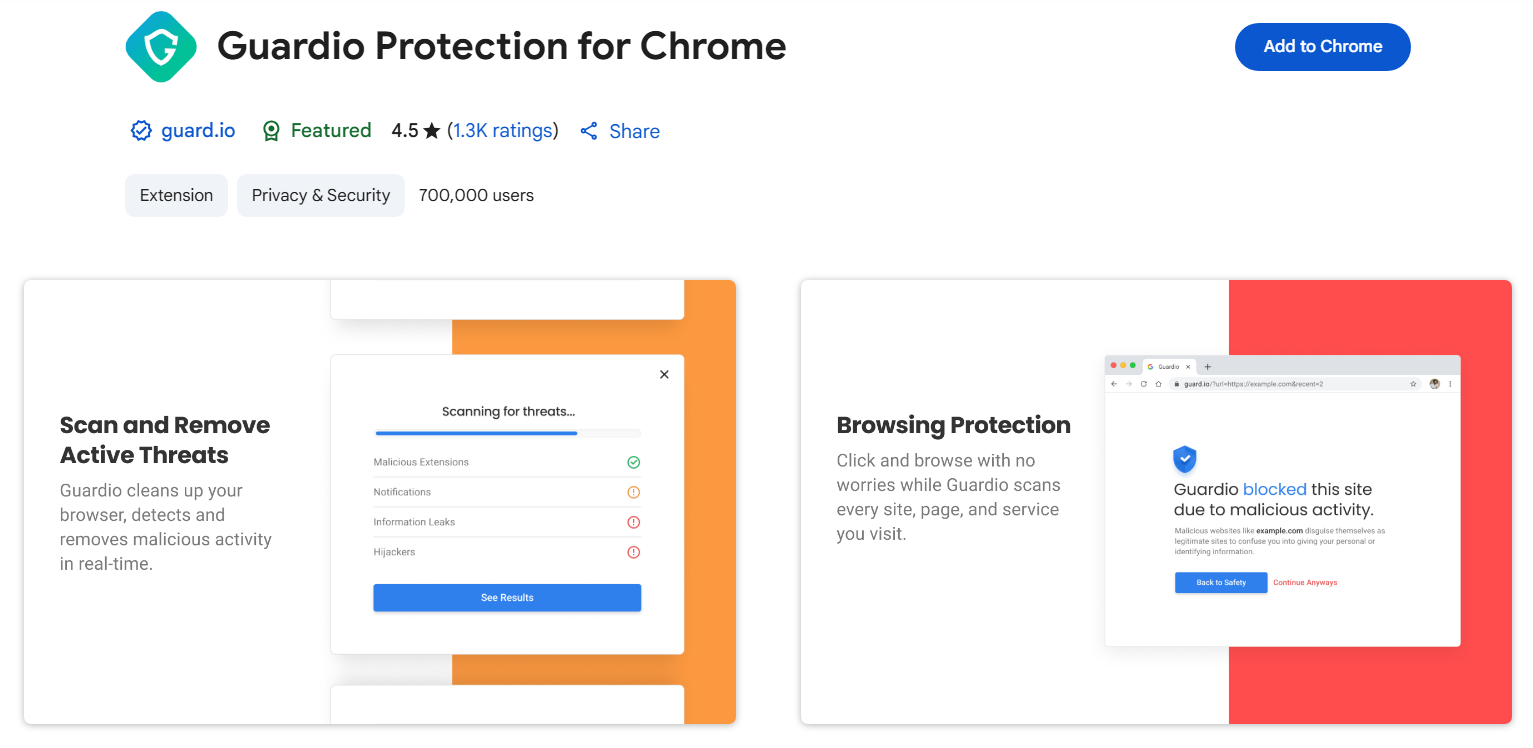
Guardio – All-in-One Browser Security for Identity Protection
Guardio scans your browser for phishing threats, harmful add-ons, and data leaks.
Key Benefits:
- Monitors tabs and extensions in real time
- Alerts for compromised accounts
- Removes malware and blocks threats
Who should use it?
Families, freelancers, and business owners managing personal and work accounts.
How to Choose the Right Extensions for You
Start by assessing your primary need: privacy, ad blocking, password management, or focus. Then consider your browser—Chrome, Firefox, or Brave. Select tools that are open-source, regularly updated, and have strong user reviews. Avoid installing too many add-ons. Two or three high-quality ones are usually enough to dramatically enhance your privacy and productivity.
Common Mistakes to Avoid
- Installing too many extensions (can cause slowdowns and conflicts)
- Ignoring updates (leaves you exposed to bugs and breaches)
- Trusting unknown developers (opens backdoors to malicious code)
- Granting all permissions blindly (invites privacy leaks)
- It Keeping unused extensions (they can still run in the background)
In 2025, the social media security is essential as billions share content while cyber threats increase. Free security add-ons such as Privacy Badger, Bitwarden, Social Fixer, and Malwarebytes Browser Guard assist in safeguarding privacy, securing accounts, and filtering content. These tools prevent trackers, handle passwords, and protect against phishing for free, enabling users to manage their online presence and avoid identity theft. As social media plays a significant role in everyday life, utilizing these tools is crucial for individuals who value privacy, mental health, and online safety.
