


Most of us use Google Earth just to find our own roof. But did you know you’re sitting on a digital goldmine of hidden Google Earth features? We often open Google Earth, zoom in, look around, and close it.
But beneath that simple surface lie Hidden Google Earth Features that feel like secret tools for explorers, students, and curious minds.
In 2026, Google Earth is no longer just a map. It’s a time machine, a flight simulator, and a 3D geography lab—all rolled into one.
Let’s dive into the unique things you can do with Google Earth that go way beyond basic zooming. We’ll uncover the hidden Google Earth features you probably missed.
Why Google Earth Is More Powerful Than You Think
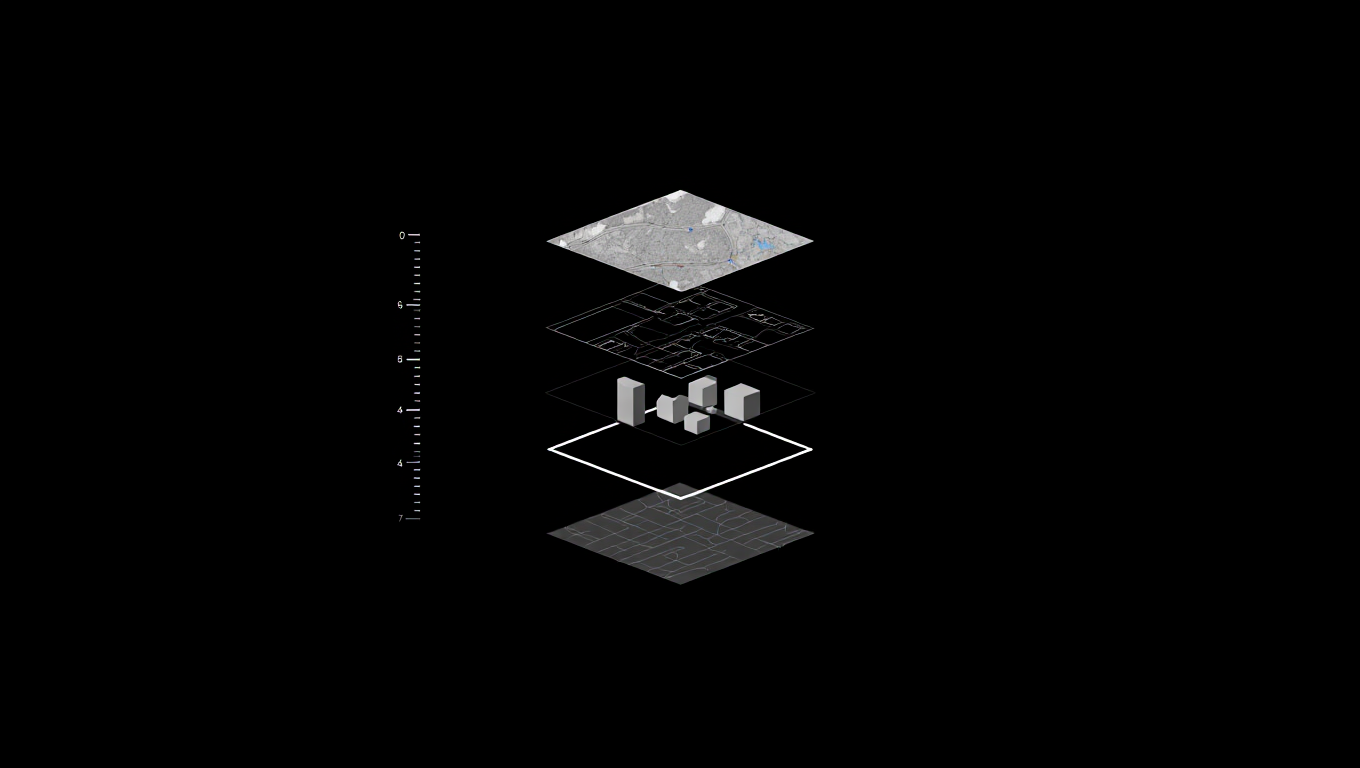
Google Earth blends satellite imagery secrets, AI-driven mapping, and layered data. Most users never open these layers.
Think of Google Maps as a road guide. Think of Google Earth as a digital planet you can study, replay, and fly through.
That’s where real Google Earth secrets begin.
1. Time Travel with Google Street View History

Yes, Google Earth remembers the past—and it does it brilliantly.
Using Google Street View history and the Historical Imagery tool, you can slide through time and see how streets, cities, and landmarks have changed over decades. This feature relies on vast amounts of Geospatial data and Satellite imagery, clearly showing how technology tracks changes over time in the real world.
If you’re wondering, “Can Google Earth show historical imagery?” the answer is a clear yes. On desktop, click the clock icon to explore older imagery. On mobile, open Street View and tap “See more dates” to view earlier versions—perfect for anyone searching how to see historical street view on Google Earth 2026.
This is one of the most fascinating Google Earth secrets, especially for Google Earth tips for geography buffs who want to track urban sprawl, road expansion, or deforestation.
Pro tip: Use this feature to show me my house 10 years ago and compare how your neighborhood—or even your garden—has evolved.
Why this feature matters:
- Urban research
- Travel planning
- Climate awareness
It’s easily one of the most underrated Google Earth features you didn’t know existed.
2. Take Flight & Explore: Flight Simulator & Voyager Layers

If you are looking for cool Google Earth hacks that feel like an “Easter egg,” you have to try the built-in flight simulator. How do I find the hidden flight simulator in Google Earth? It is simple:
- On Windows: Press Ctrl + Alt + A
- On Mac: Press Command + Option + A
Once you learn how to use Google Earth flight simulator on Mac/Windows, you can pilot an F-16 or an SR22 over any landscape. It is one of the best lesser-known Google Earth features for pure entertainment.
Navigating with flight simulator mode Google Earth is also a brilliant way to master hidden navigation techniques in Google Earth. For those who enjoy this level of immersion, discovering how Virtual Reality tours are changing the way we travel can take your digital exploration to the next level.
But the adventure doesn’t stop in the cockpit. By using Voyager layers, you turn the globe into a guided documentary. These Google Earth hidden tools offer curated journeys and historical storytelling from world-class scientists. It’s like Netflix for the planet—a feature that makes educational VR tools feel even more accessible.
Whether you are using Google Earth tricks for explorers to find remote islands or following a Voyager path, you are accessing Google Earth features you didn’t know could be so engaging. These tools are the ultimate unique things you can do with Google Earth to explore the world from my desk in 2026.
3. Master Landscapes With 3D Terrain Exploration Tips
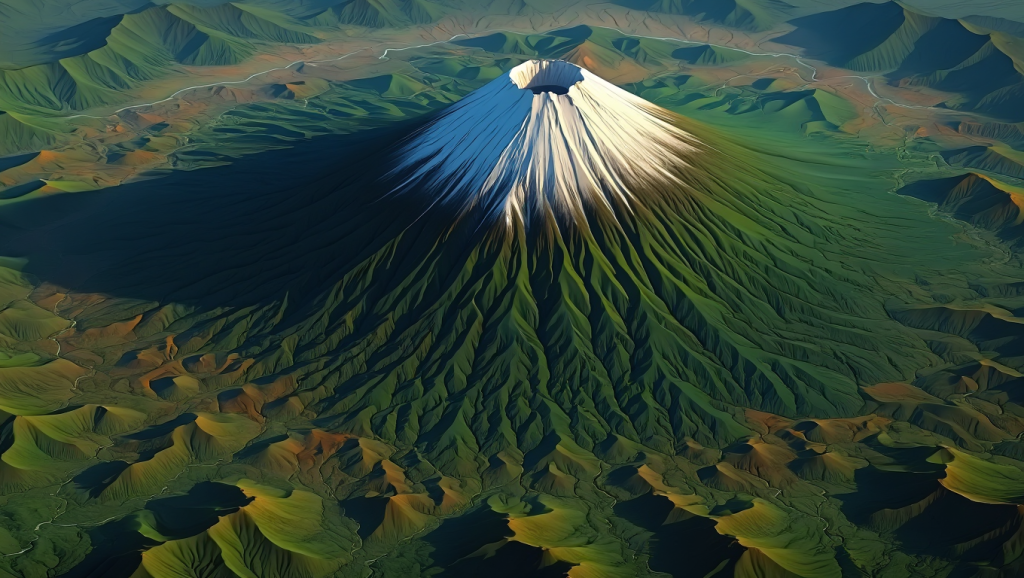
Flat maps hide reality. 3D terrain reveals it. Using 3D terrain exploration tips, you can:
- Tilt mountains
- Dive into valleys
- Walk through city skylines
This is perfect for Google Earth tips for geography buffs.
Comparison:
2D maps explain location.
3D terrain explains why places look the way they do.
Visit: Official Google Earth documentation
4. Customize Maps With KML Files and Coordinates
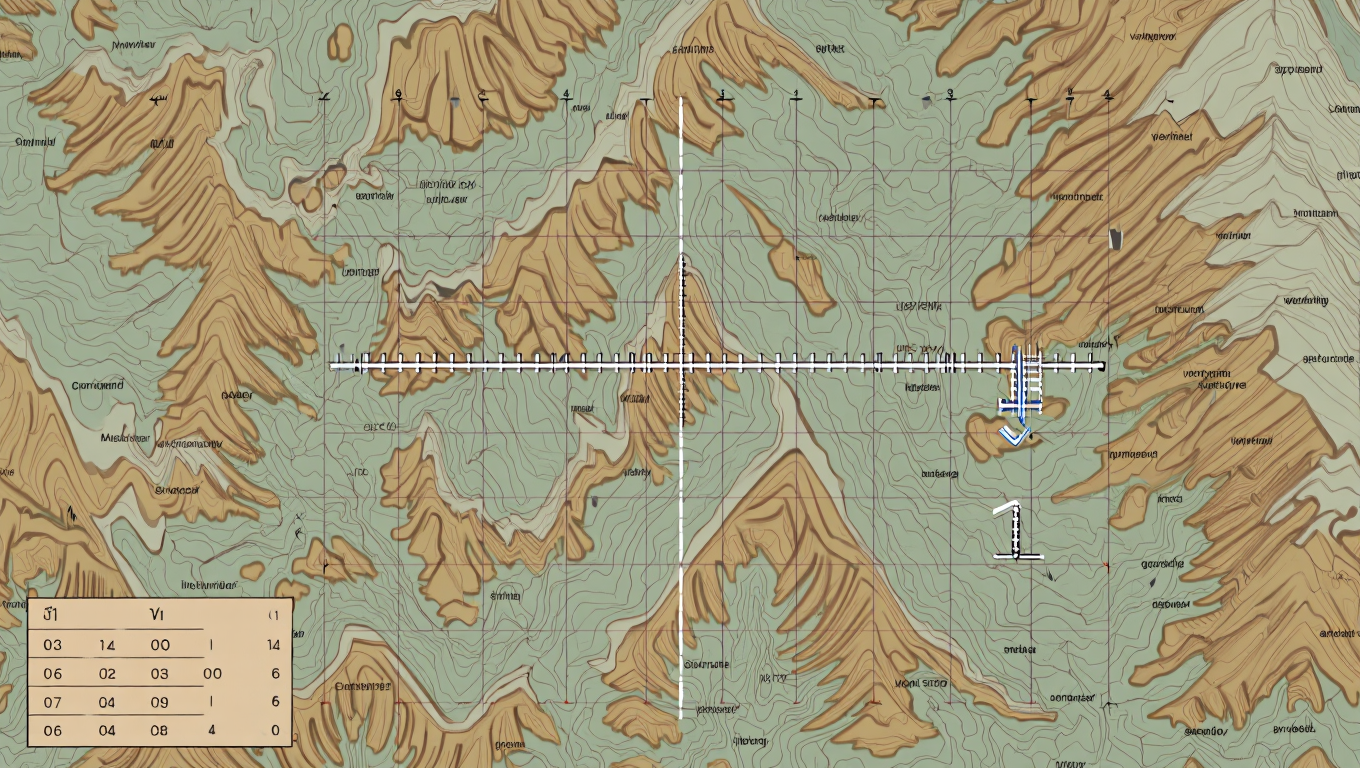
Here’s where pros play. With KML files, you can import:
- Custom routes
- Research data
- Saved landmarks
Pair that with real-world coordinates tricks, and Google Earth becomes a precision tool.
Use this for:
- Academic research
- Travel journaling
- Disaster mapping
| Feature | Best For | Benefit |
| KML files | Data Layers | Import custom maps and datasets |
| Real-world coordinates tricks | Navigation | Find exact GPS points for hiking |
| 3D terrain | Visualization | See elevation and mountain slopes |
This level of map customization is rarely discussed in competitor blogs. Besides, these professional ways to use Google Earth are essential for architects and researchers.
If you find your computer struggling with these high-end graphics, check out these laptop running slow fixes to keep your exploration smooth.
5. Unlock Desktop-Only Earth Pro Hidden Tools

Most people use the browser version. That’s a mistake.
Earth Pro hidden tools include:
- Advanced distance measurement
- High-resolution exports
- Deep historical imagery
It’s free. It’s powerful. And it’s still one of the best Google Earth secrets in 2026.
This is among the hidden gems on Google Earth for students and travelers alike. For more ways technology is shaping our habits, read about how viral social media trends shape us.
6. The “I’m Feeling Lucky” & Random Discoveries
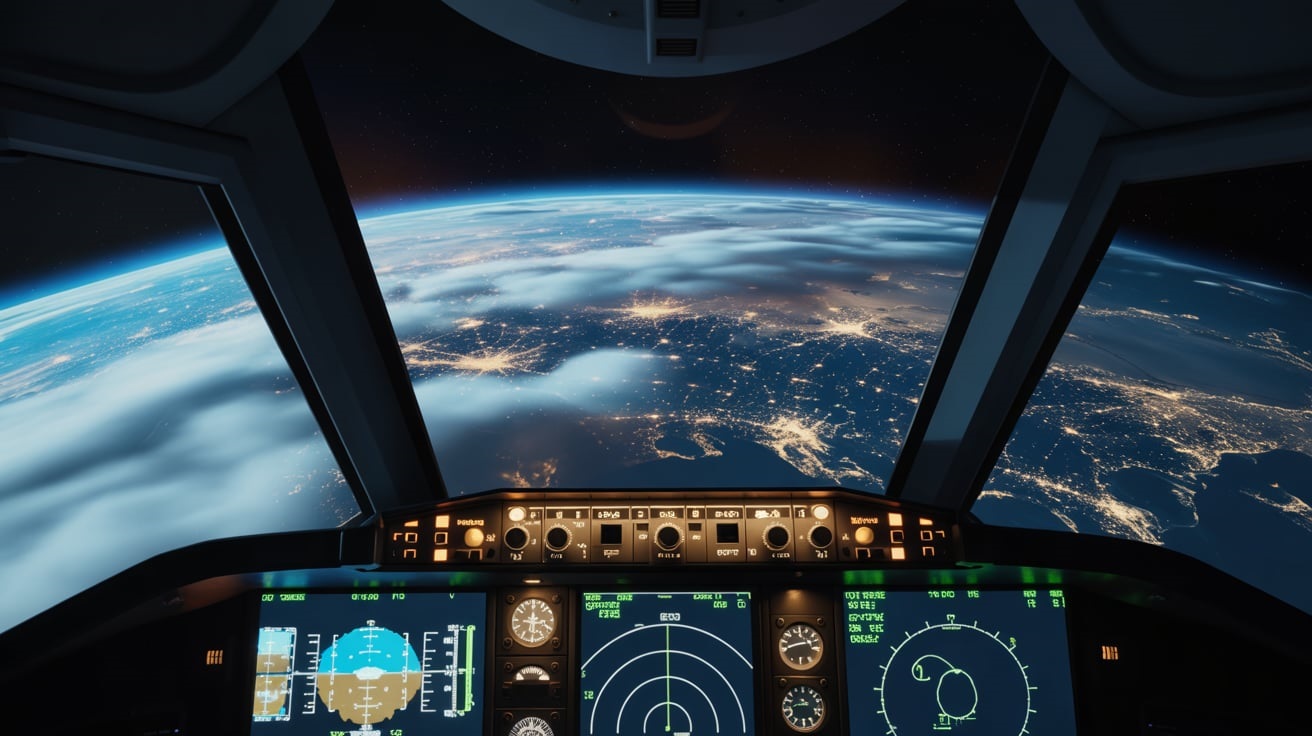
What is the “I’m Feeling Lucky” button on Google Earth? It’s a dice icon that whisks you away to a random, beautiful location on the planet. It’s a great way to find the best Google Earth coordinates for virtual travel. You might end up at a remote volcano or a hidden temple. It’s one of those easy hidden features in Google Earth that keeps the experience fresh.
7. Pinpoint Any Place With Real-World Coordinates Tricks
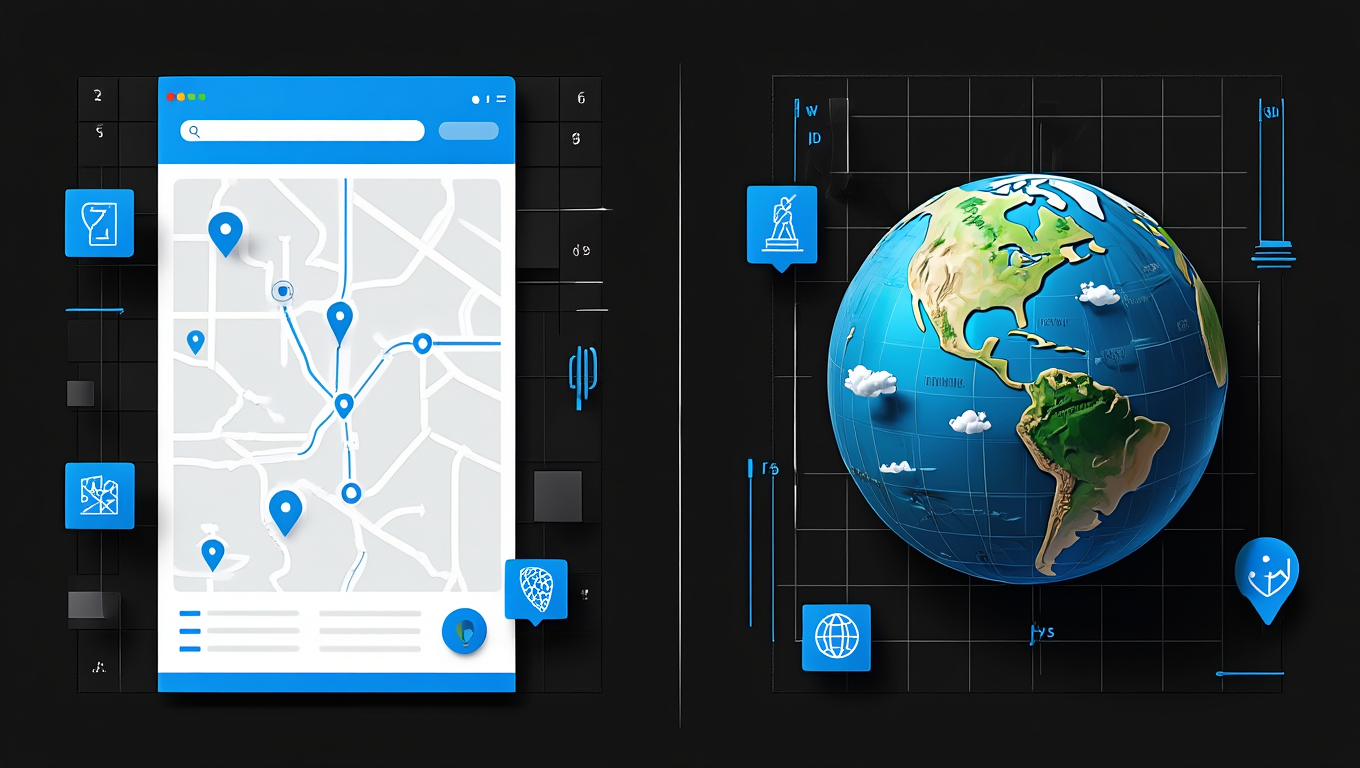
Street names can change. Coordinates don’t.
Using real-world coordinates tricks, you can:
- Locate remote places
- Track exact locations
- Save precise points
This becomes even more important when you explore sensitive or unfamiliar regions, making it essential to protect location data online while using advanced mapping tools.
This precision is especially valuable for explorers, researchers, and professionals who rely on advanced geo-exploration features to navigate the world confidently.
FAQs: Hidden Google Earth Features
- What are some hidden features in Google Earth?Aside from the flight simulator and historical imagery, you can access Map customization tools and sunlight animations that show shadows at different times of the day.
- Can you see live footage on Google Earth 2026?While Google Earth offers "near real-time" weather and cloud layers, it does not provide a live 24/7 video feed of every street corner due to privacy and bandwidth. To stay safe online while exploring, learn how to secure your online accounts.
- How do I access secret tools in Google Earth?Most are found under the "Tools" or "View" menus in the Pro desktop version, or hidden behind keyboard shortcuts like the flight simulator.
Final Thoughts: Why These Features Matter
Mastering hidden Google Earth features opens up a new perspective on our planet. From Google Street View history to advanced features in Google Earth, there is always something new to see. These beginner-friendly hidden Google Earth tips ensure that anyone can become a digital explorer.
As we move further into 2026, geo-exploration features will only get better. Don’t be one of the users who only looks for their house. Use these Google Earth advanced tips to see the world in 3D, travel through time, and fly across oceans.
Ready to explore more? Check out how Everyday AI is changing our lives or find the best budget smartphones to take your own Google Earth-style photos!

